The key facts
- The first betas of iOS 27.3 and watchOS 27.3 introduced four AI Audio Intelligence features for Apple Watch Series 12
- Siri Recaps summarizes the day's conversations, while Live Rewind lets you revisit what was said in the last 15 seconds
- Audio processing happens on-device, with no storage of original recordings and no speaker identification
What's new in the betas
On Tuesday Apple released a set of Audio Intelligence features for testing in the first developer betas of iOS 27.3 and watchOS 27.3, TechCrunch reports. The betas bring four new AI features for Apple Watch Series 12 owners: detection of important sounds (alarms, doorbell), song recognition powered by Shazam, as well as Live Rewind and Siri Recaps — features that record and process conversations.
How the controversial features work
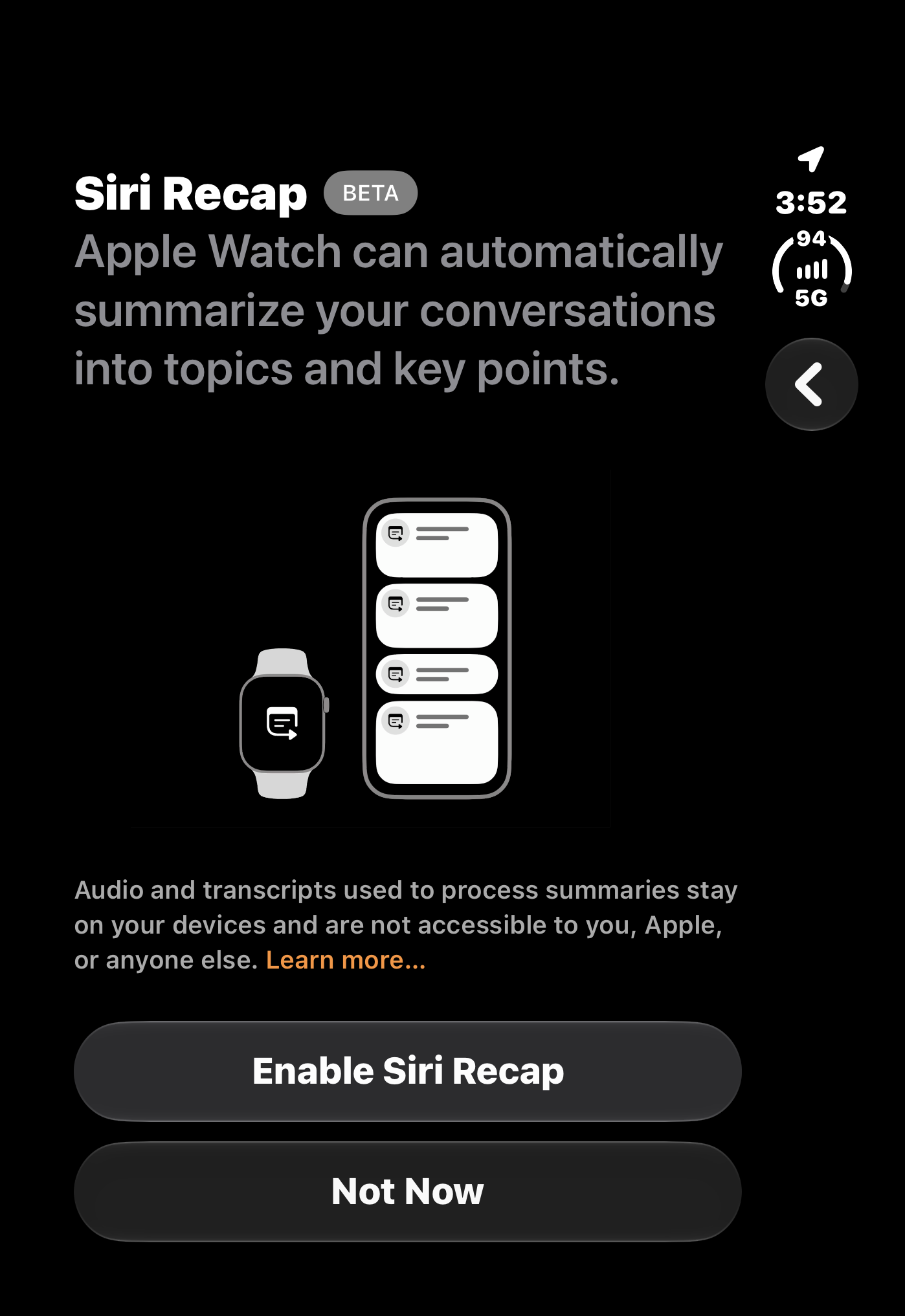
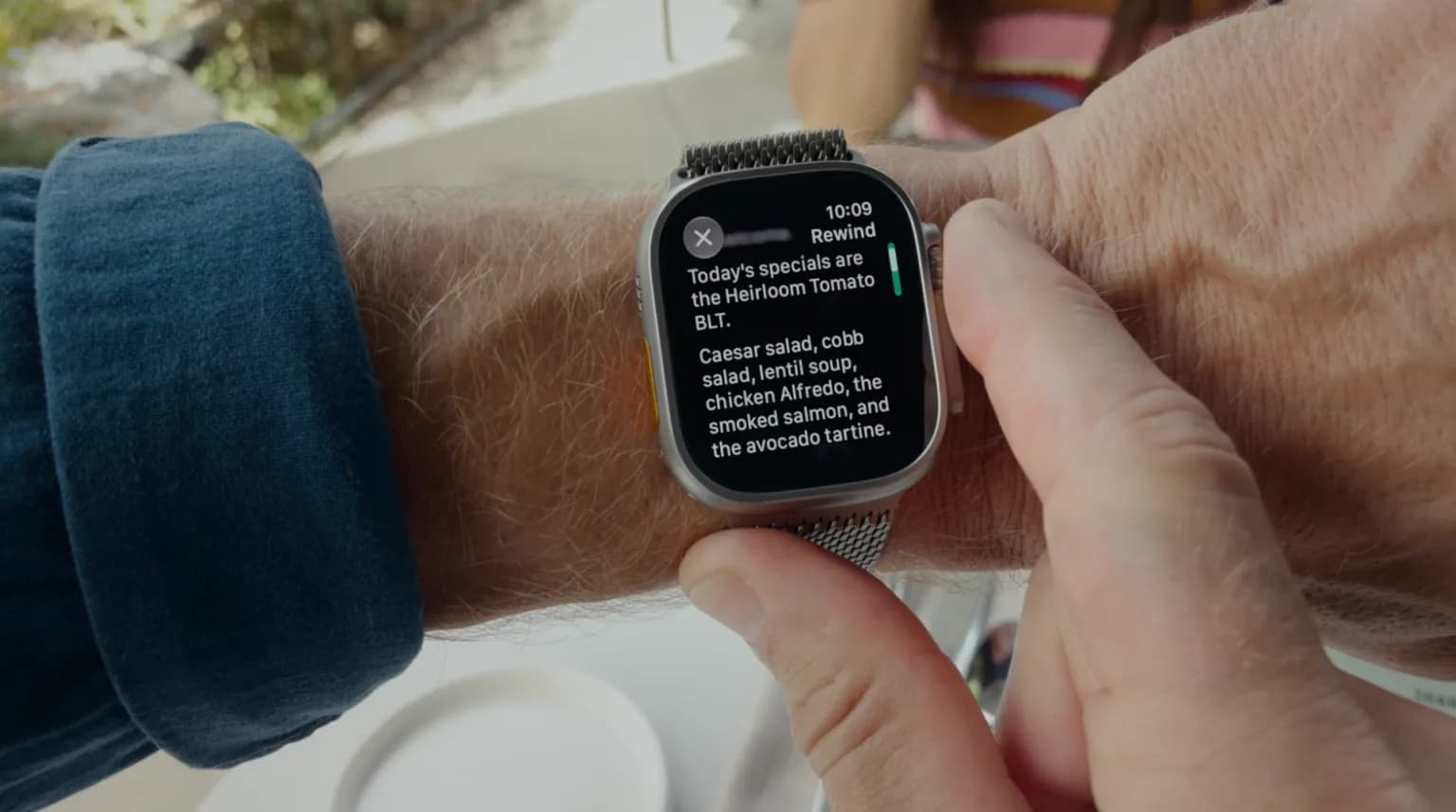
The first two features raise no privacy concerns: sound detection helps deaf and hard-of-hearing users, and music recognition has long been available on the iPhone. The controversial ones turned out to be Live Rewind and Siri Recaps: they record and transcribe or summarize conversations of the watch owner and those around them. Live Rewind lets you go back to what was said in the last 15 seconds, while Siri Recaps summarizes audio over the entire day, keeping notes on important things. According to TechCrunch, Apple processes audio and runs AI models on-device where possible, does not identify speakers, does not store the original audio files, and deletes personal data such as document numbers and account details. Nevertheless, as the outlet noted back in September, the features normalize the idea that technology is listening all the time.
Hands-on experience: benefits and annoyances
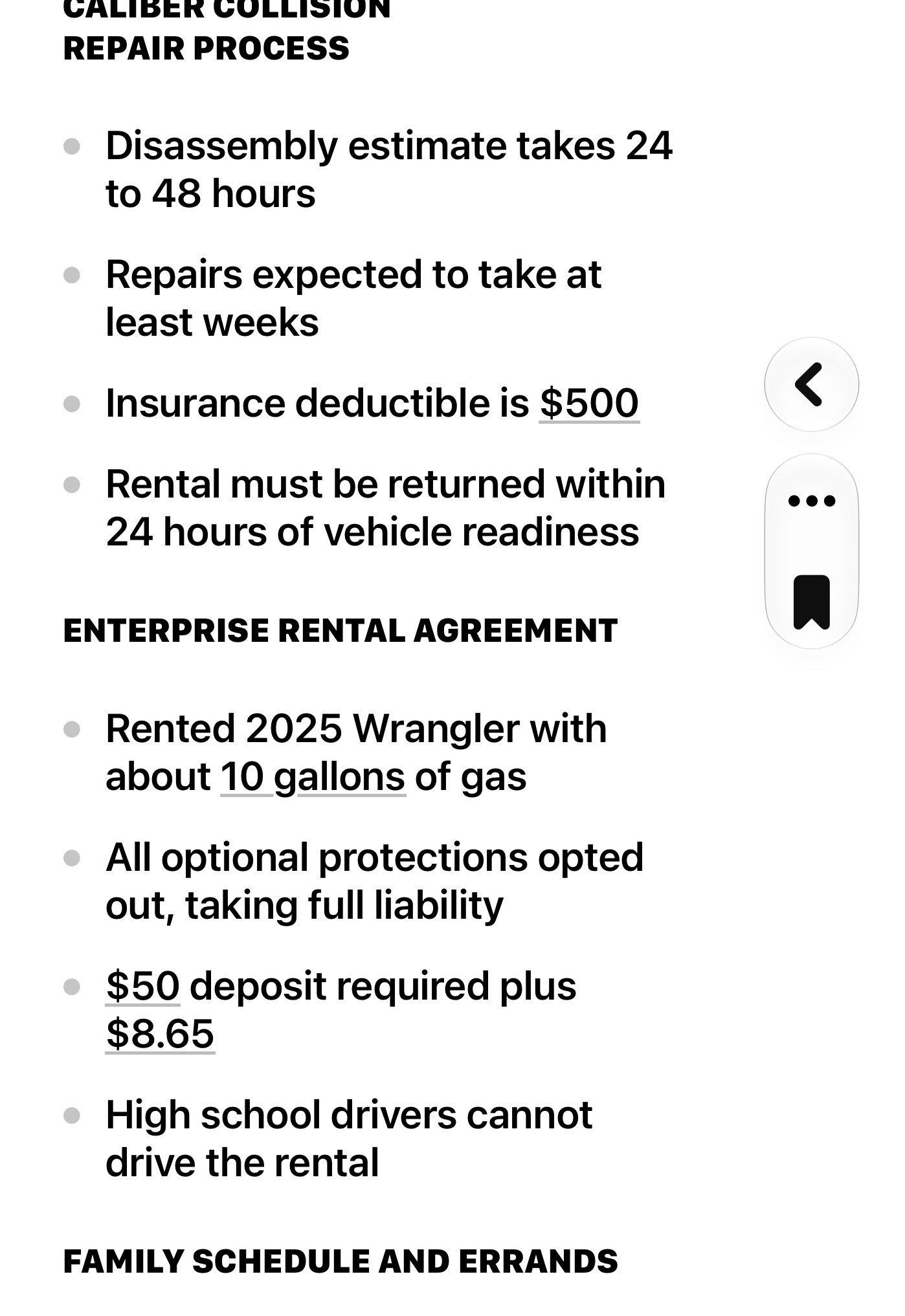
The TechCrunch author tested Siri Recaps in a real-life situation — when dropping a teenager's car off for repair and picking up a rental car. Staff verbally conveyed a lot of information about timelines, prices, and rules that couldn't be written down on the fly, and the feature captured the key details: the deductible, the repair timeline, and the fuel level in the rental car. At the same time, the author noted drawbacks: one note mixed repair details with household topics from home (chores, babysitting times), and in always-on mode the feature also recorded irrelevant things — for example, a plan to watch coverage of the midterm elections on TV, which served as a reminder that the watch is listening to everyday conversations. The author suggests splitting such details into separate notes, adding a swipe to delete individual items, and automatically exporting saved Recap notes to Apple Notes. The author's conclusion: despite initial distrust of the 'always listening' watch, he acknowledges the value of automatic notes in everyday life.