The key facts
- On October 27, cards of local banks became connectable to Apple Wallet and Google Wallet
- Apple Pay is supported by 8 banks, Google Pay by 9, including Aloqabank and AVO Bank
- No official launch has been announced; Uzbekistan is not yet on the list of countries on Apple's website
The services became available to users
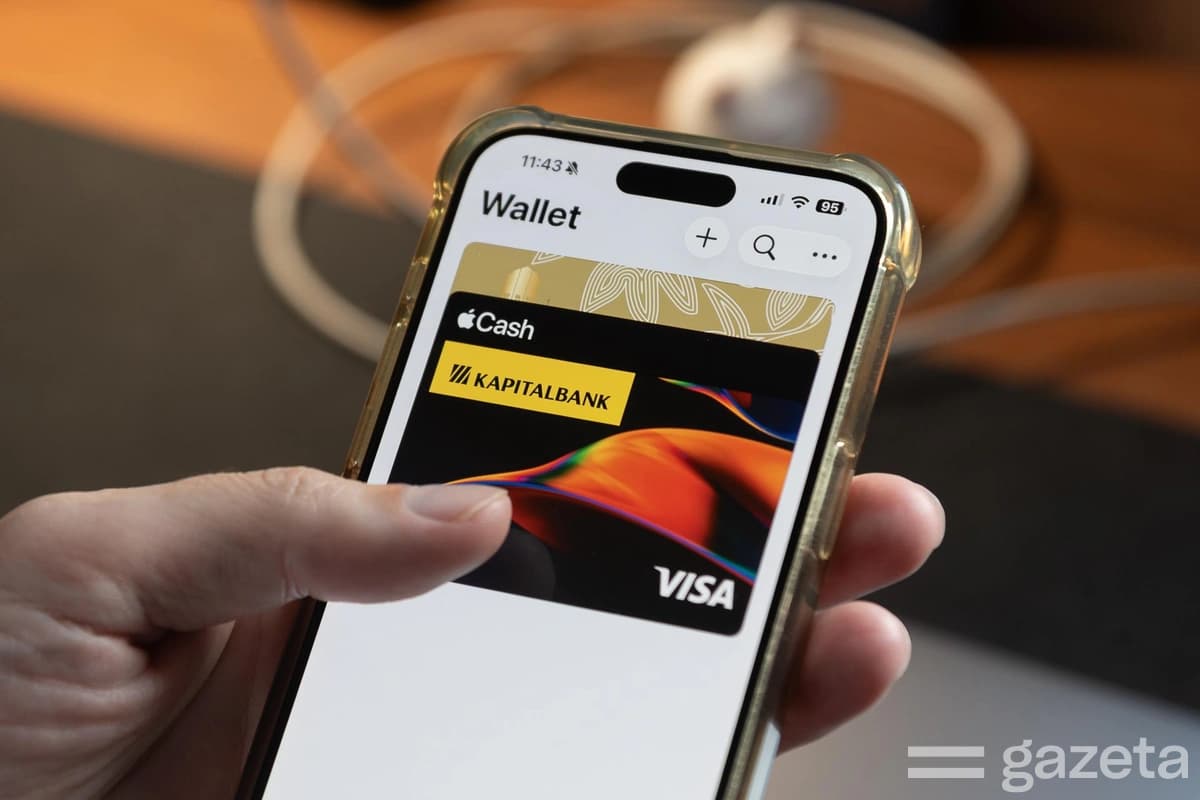
On the morning of October 27, the first signs of Apple Pay's launch appeared in Uzbekistan: iPhone users were able to add cards of local banks to Apple Wallet, while Android owners could link cards to Google Wallet. Reporters from Gazeta and Spot.uz say they managed to add Visa cards to wallets on Apple and Android phones. As of the time of publication, there had been no official announcement of the launch of either service: government bodies, including the Central Bank, did not comment on the launch, notes Spot.uz.
Which banks support the services
According to Apple's message, Apple Pay supports cards of eight banks and fintech services: Uzum (Visa), Orient Finans Bank, the National Bank of Uzbekistan (NBU), Kapitalbank, Ipak Yuli Bank, TBC Bank and Octobank (Visa and Mastercard), as well as Hamkorbank (Visa only). Apple clarifies that some banks may not support all card types and recommends checking with the issuing bank whether a specific card can be added; the list will be expanded.
The Google Pay list is longer
For Google Pay, the list of banks is different and longer: in addition to Octobank, Uzum Bank, TBC Bank, Kapitalbank, Ipak Yuli Bank, NBU and Orient Finans Bank, it includes Aloqabank (Visa and Mastercard) and AVO Bank (Mastercard). Uzbekistan is included in the list of countries where the Google Wallet app, contactless payments and the web version of the wallet are available — including on Android smartphones, Wear OS watches and compatible Fitbit devices. However, according to Kun.uz and Spot.uz, Uzbekistan has still not been added to the list of countries supporting Apple Pay on Apple's website; the page was last updated on October 19.
How to add a card
A card can be added through the bank's mobile app, if such a feature is available, or directly in the wallet: in Apple Wallet you need to select adding a card, enter the card details and complete verification; the steps in Google Wallet are similar. Verification, depending on the bank, is done via SMS or through the bank's app. Once the card is added, payments can be made with a smartphone or compatible smart watch by holding the device near a POS terminal with contactless payment support; on Android, NFC support is required for this. The ability to add a card depends on the bank, the payment system and the card type.
Background of the launch
On October 19, Google Cloud representative Marcin Krasuski announced the launch of Google Pay in Uzbekistan at a digital technology session in Samarkand held within the C5+1 format. On October 22, the Tourism Committee reported that Google Pay was already working and Apple Pay was expected in the coming days; according to the committee, the Central Bank, commercial banks and the HUMO and Uzcard payment systems were working on technical integration. Earlier, Spot.uz, citing sources, named October 27 as the tentative launch date for Apple Pay.
What changed in the legislation
Preparations for the launch of international payment services intensified after changes to personal data legislation: on March 26, President Shavkat Mirziyoyev signed a law allowing, under certain conditions, the storage and processing of some personal data of Uzbek citizens abroad. The previously existing data localization requirement was one of the obstacles to Apple Pay and Google Pay entering the market. Mandatory storage within the country remained for biometric and genetic data, as well as data of telecom operators' subscribers. In July, Djamshid Usmanov, head of the payment systems development department at the Central Bank, told Spotthat the services could launch in the coming months, and that banks were working on card tokenization to enable not only Visa and Mastercard but also cards of the national systems HUMO and Uzcard.